It’s tough to remove the game bar cleanly (maybe impossible) because it’s hooked into a lot of the xbox crap now. Yes I still game on Windows and took the Win11 pill because I like MSFS better than X-Plane and the last time I tried to configure multiple controller setups in Linux I gnashed my teeth and rended my garments.
Any other suggestions for Windows 11 users that haven’t had to use it since 8? I want to kill as much of their garbage as possible, but I feel like I missed so much of their dastardly crap I could be missing something.
I just said fuckit and ran an exe called CrapFIxer. Not going to link it because I have no idea if it’s actually safe but I ran it on August 19th and my gaming PC doesn’t seem to be part of a bot network… yet.


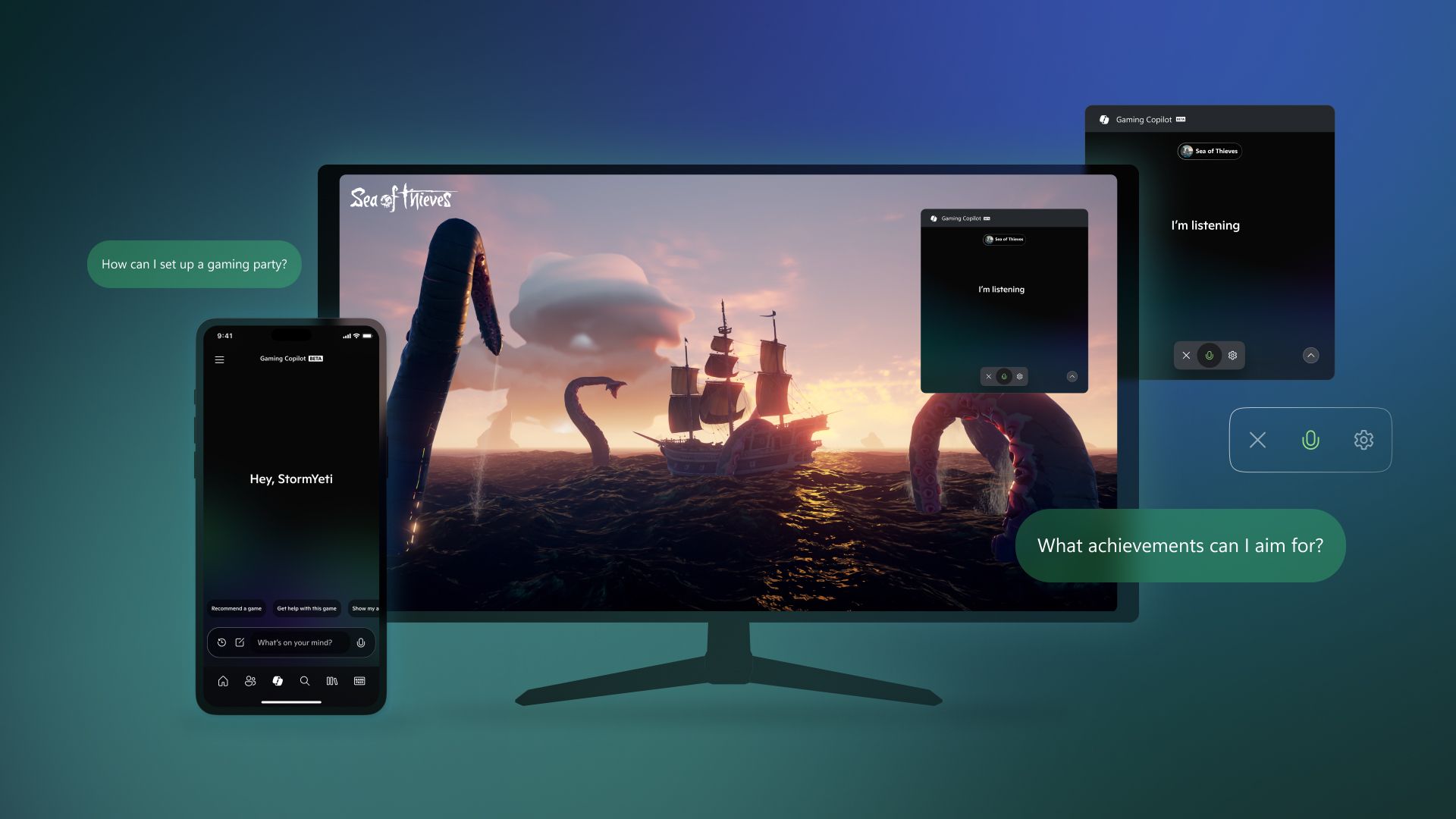
Settings -> Gaming -> Game Bar
Set to “off”
It’s tough to remove the game bar cleanly (maybe impossible) because it’s hooked into a lot of the xbox crap now. Yes I still game on Windows and took the Win11 pill because I like MSFS better than X-Plane and the last time I tried to configure multiple controller setups in Linux I gnashed my teeth and rended my garments.
It’s funny because it’s not like the game bar was useful anyway, what’s the benefit of “gaming copilot” let alone the game bar?
Any other suggestions for Windows 11 users that haven’t had to use it since 8? I want to kill as much of their garbage as possible, but I feel like I missed so much of their dastardly crap I could be missing something.
If you have the ability to set up and run a powershell script and flash an iso, check out tiny11
https://github.com/ntdevlabs/tiny11builder
I just said fuckit and ran an exe called CrapFIxer. Not going to link it because I have no idea if it’s actually safe but I ran it on August 19th and my gaming PC doesn’t seem to be part of a bot network… yet.
deleted by creator
Win11debloat. Thank me later.
deleted by creator